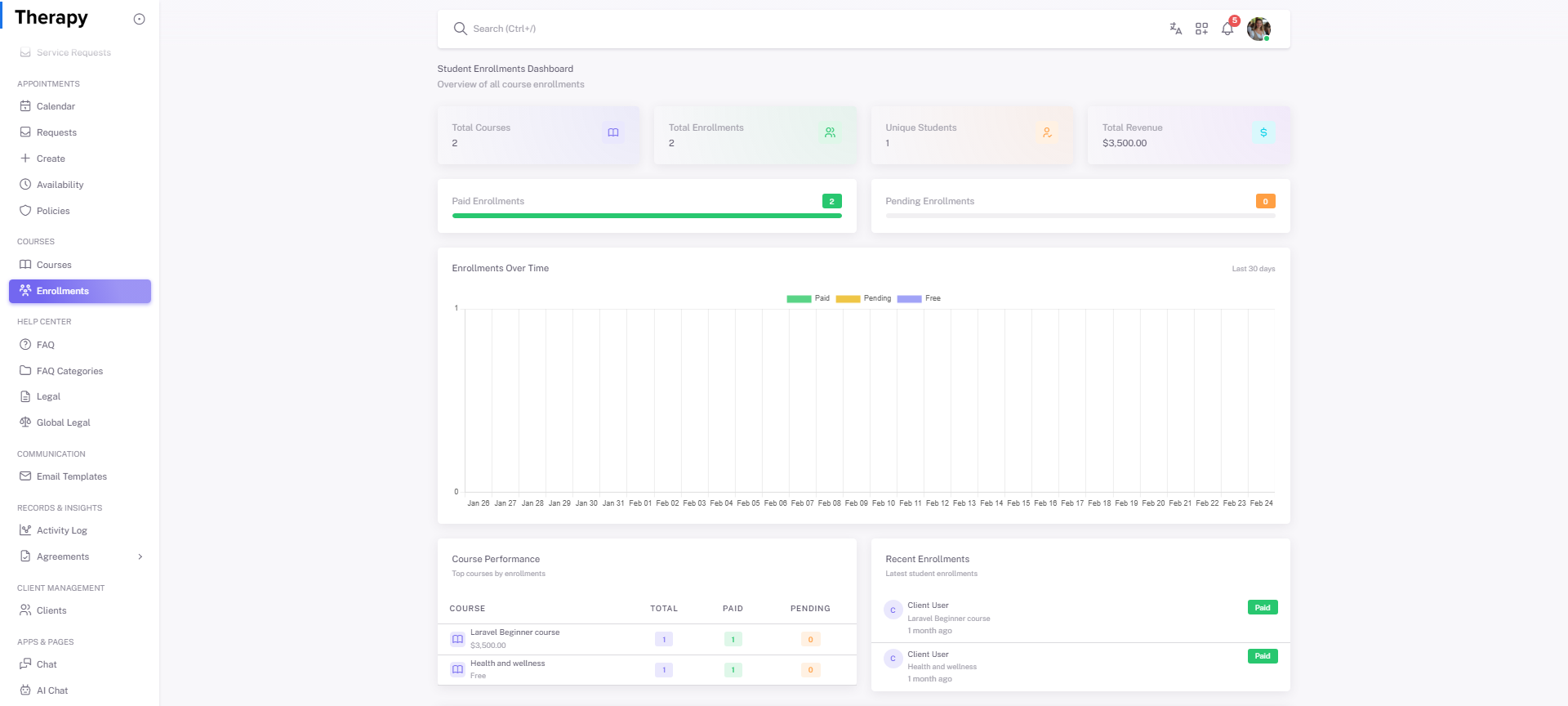
Provider • Student Enrollments
Standalone submenu content with role-aligned workflow and execution checkpoints.
Overview
Student Enrollments is the cross-course enrollment monitoring and performance page. Use it to track participation, engagement, and outcomes.
Workflow Execution Steps
- Open enrollments dashboard and review summary stats.
- Drill into course-level enrollment records.
- Inspect learner activity and completion posture.
- Take follow-up actions for at-risk enrollments.
Reference Screenshots