Provider • Manage Clients
Standalone submenu content with role-aligned workflow and execution checkpoints.
Overview
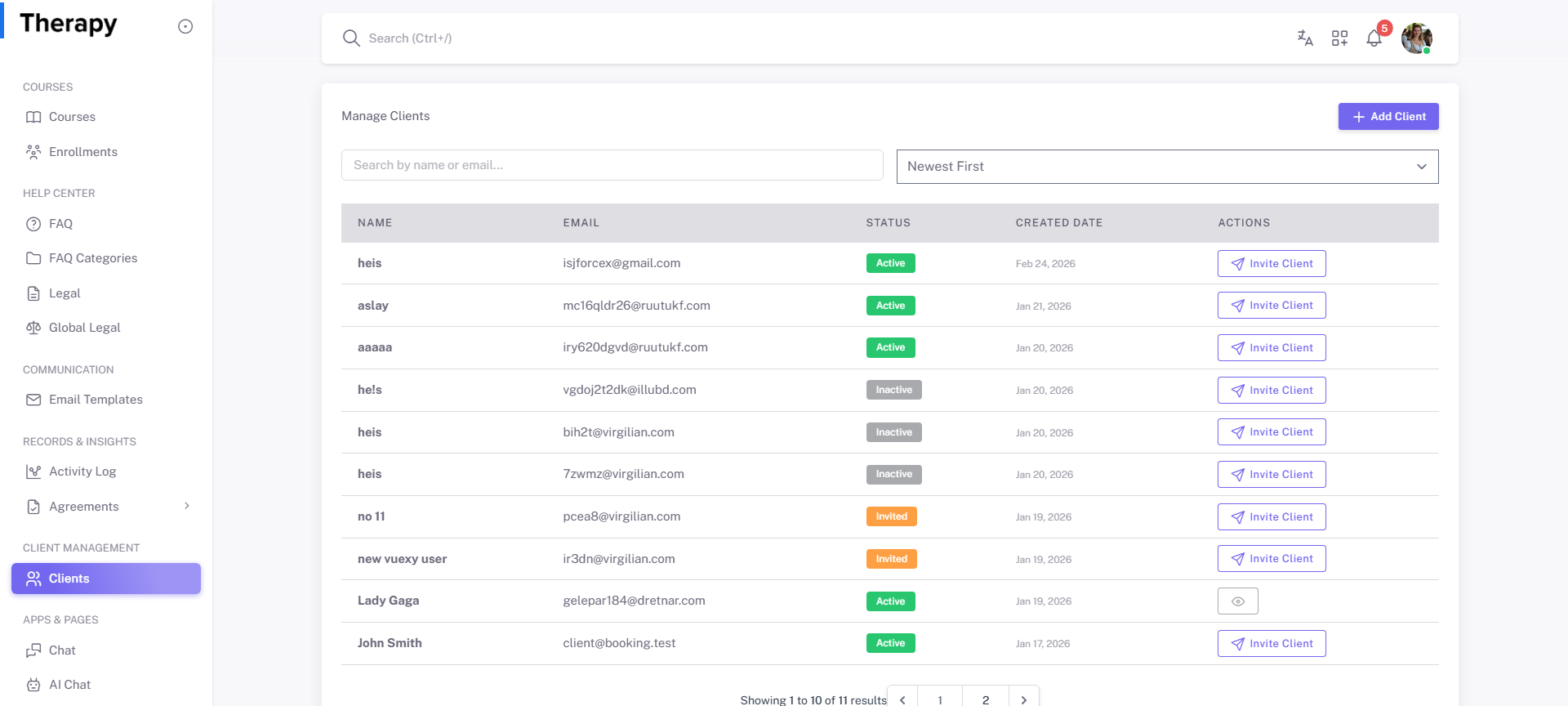
Manage Clients is the provider client roster page for searching, inviting, adding, and viewing client records. This is the relationship-control page for day-to-day provider operations.
Workflow Execution Steps
- Open manage clients roster and search/sort records.
- Add or invite new client with accurate profile details.
- Open active profile for context and follow-up.
- Track invitation/account status to closure.
Reference Screenshots