Provider • Create Appointment
Standalone submenu content with role-aligned workflow and execution checkpoints.
Overview
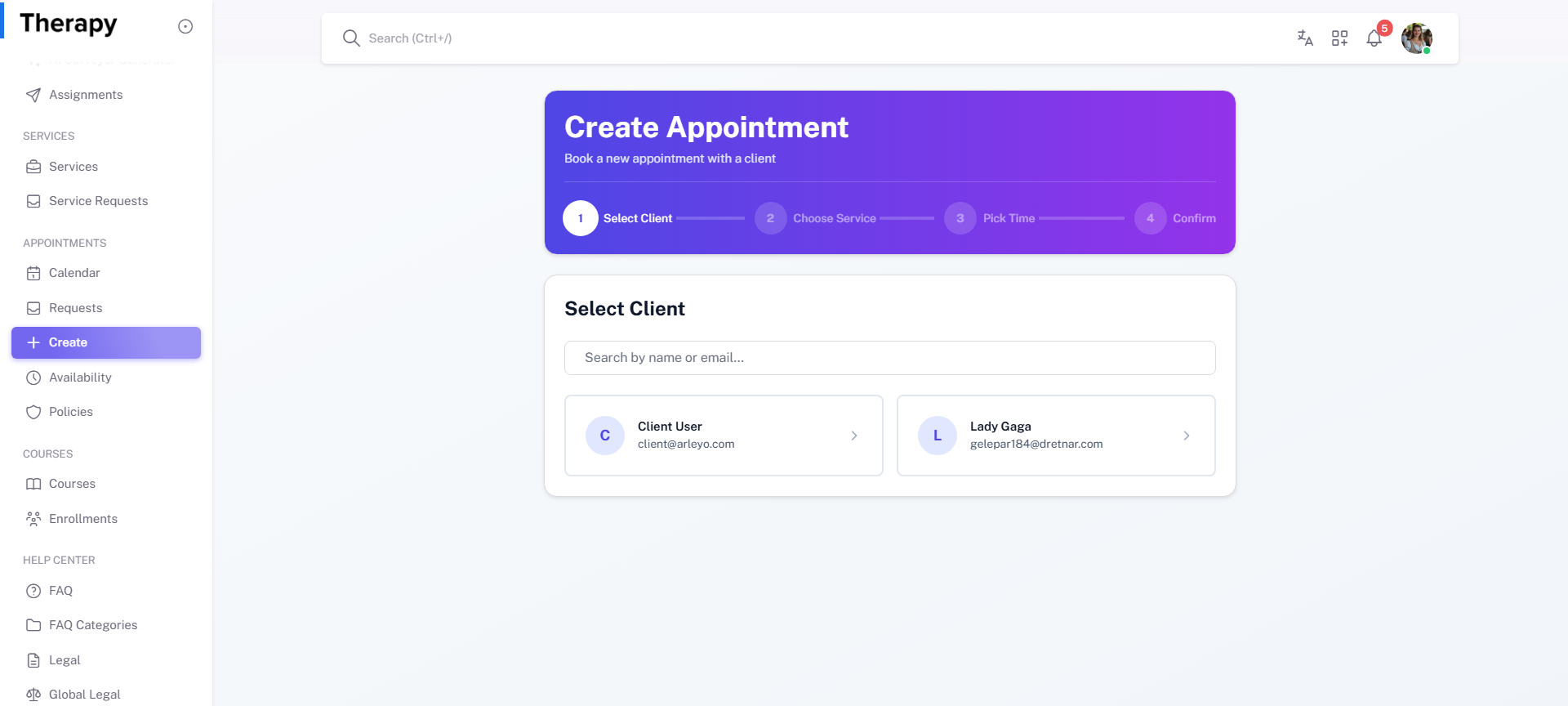
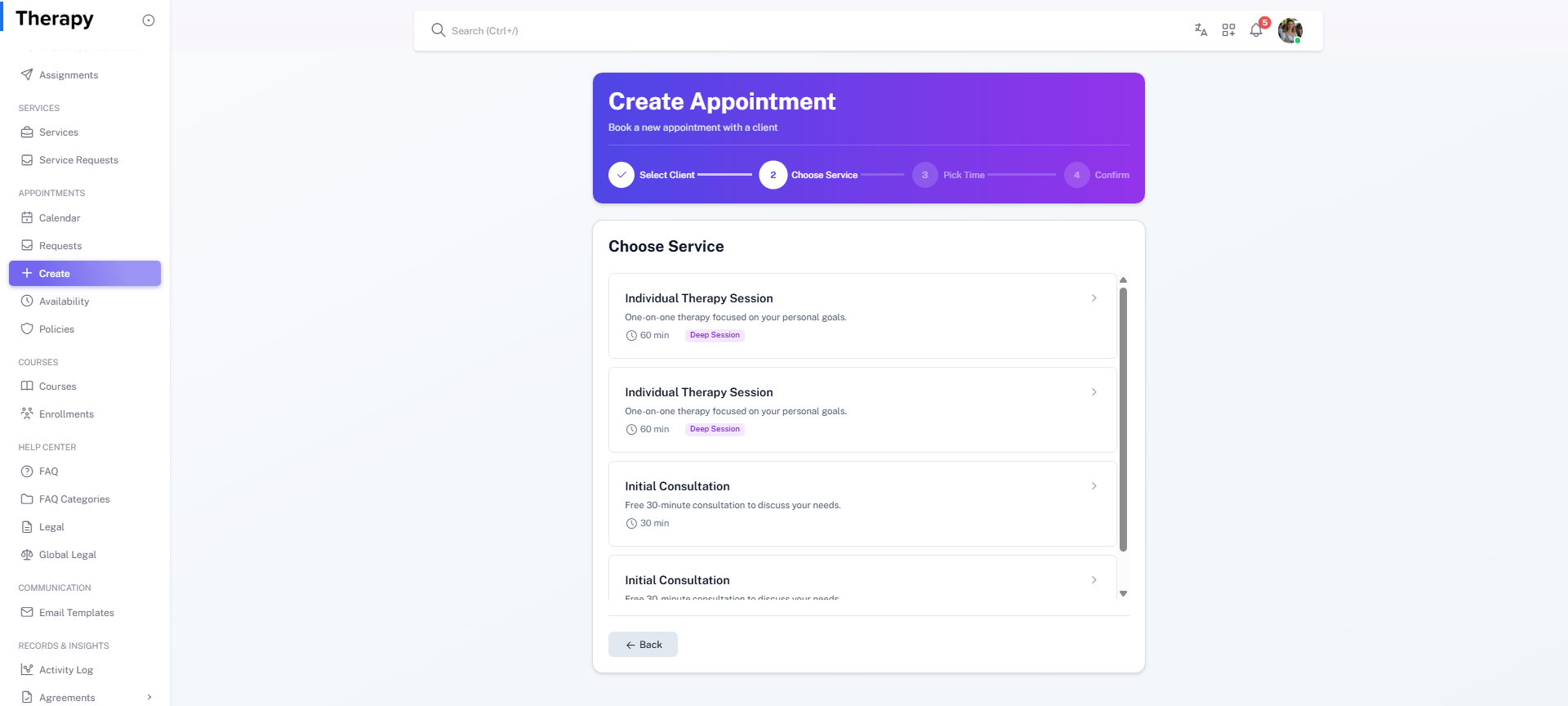
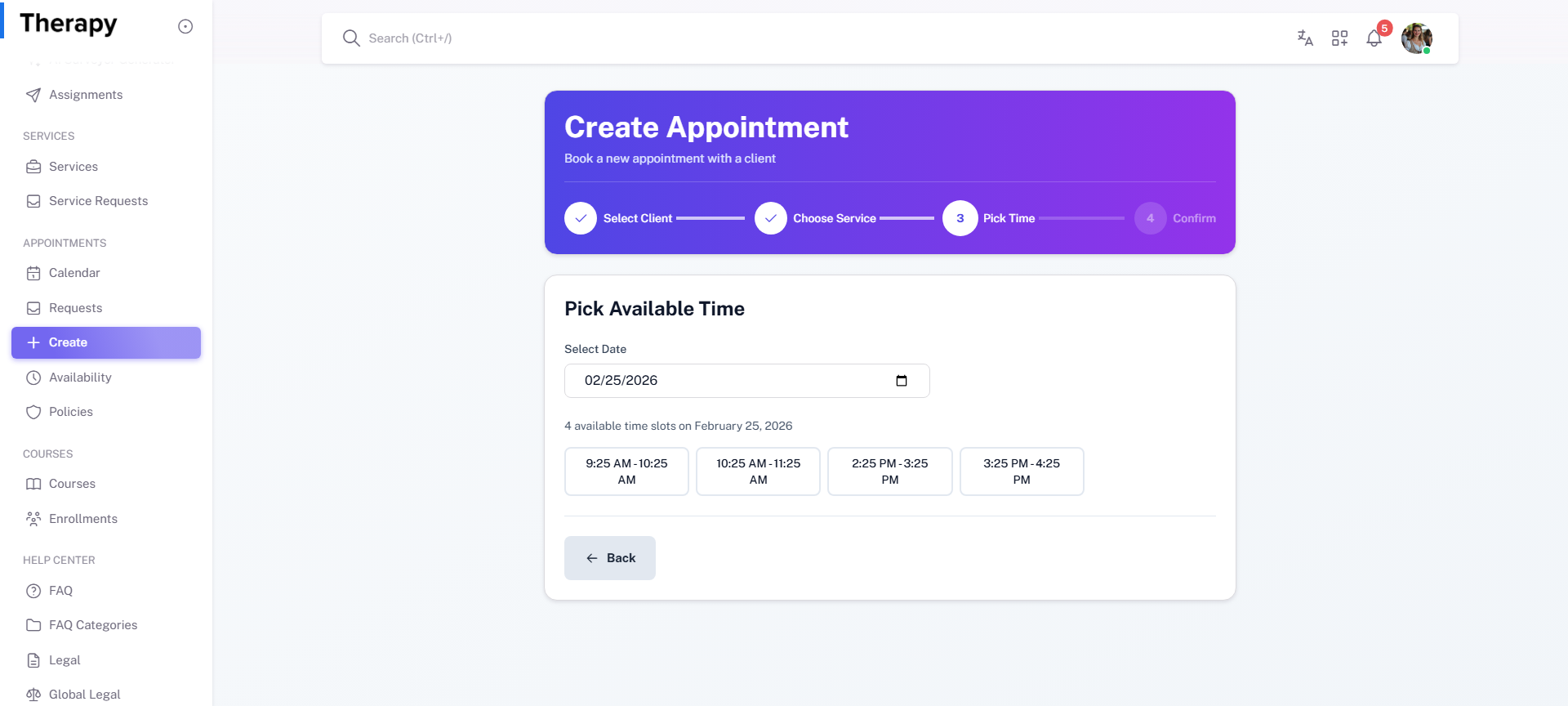
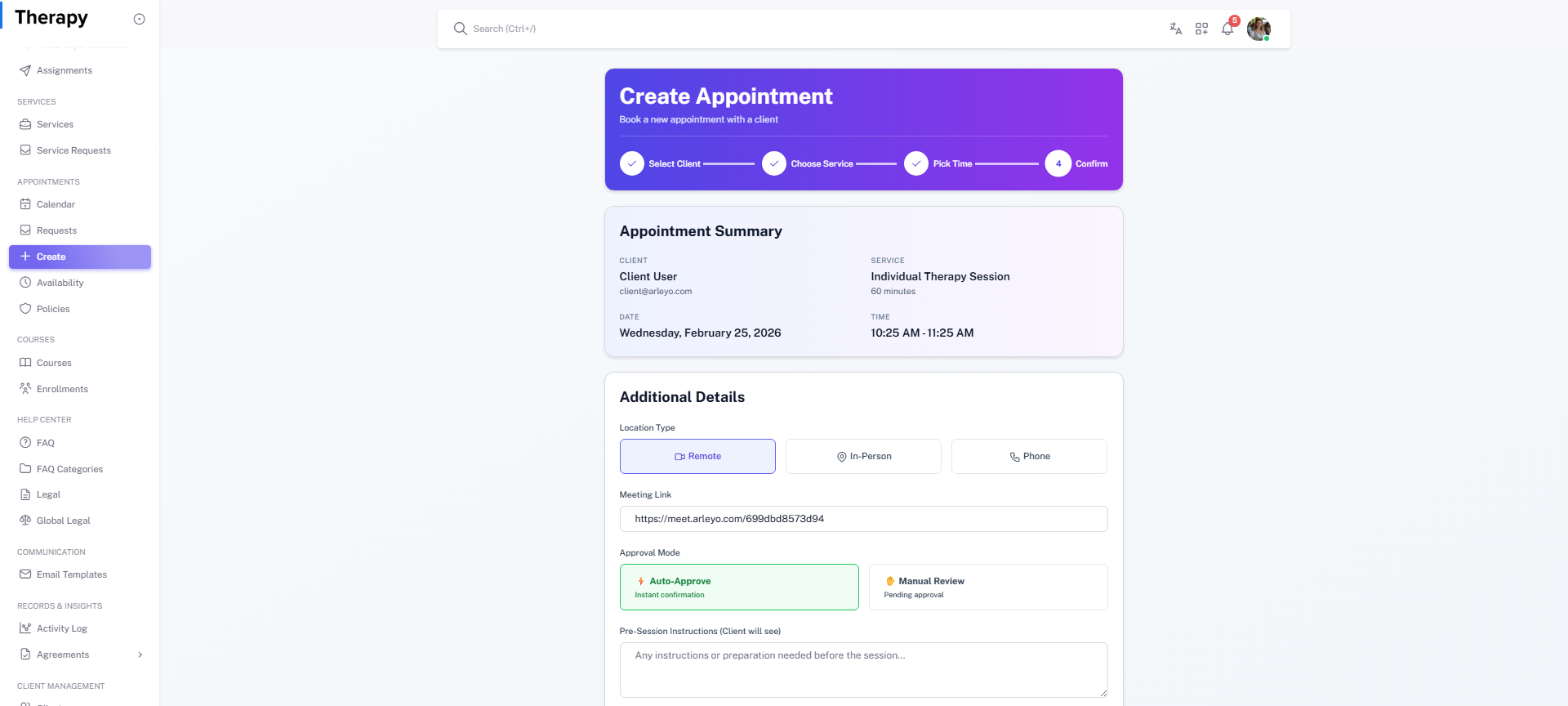
Create Appointment is the provider-initiated scheduling flow for manual booking with selected clients and services. Use when appointments must be created directly by provider.
Workflow Execution Steps
- Open create appointment flow.
- Select client and target service.
- Pick time and add required details.
- Confirm appointment creation and visibility.
Reference Screenshots