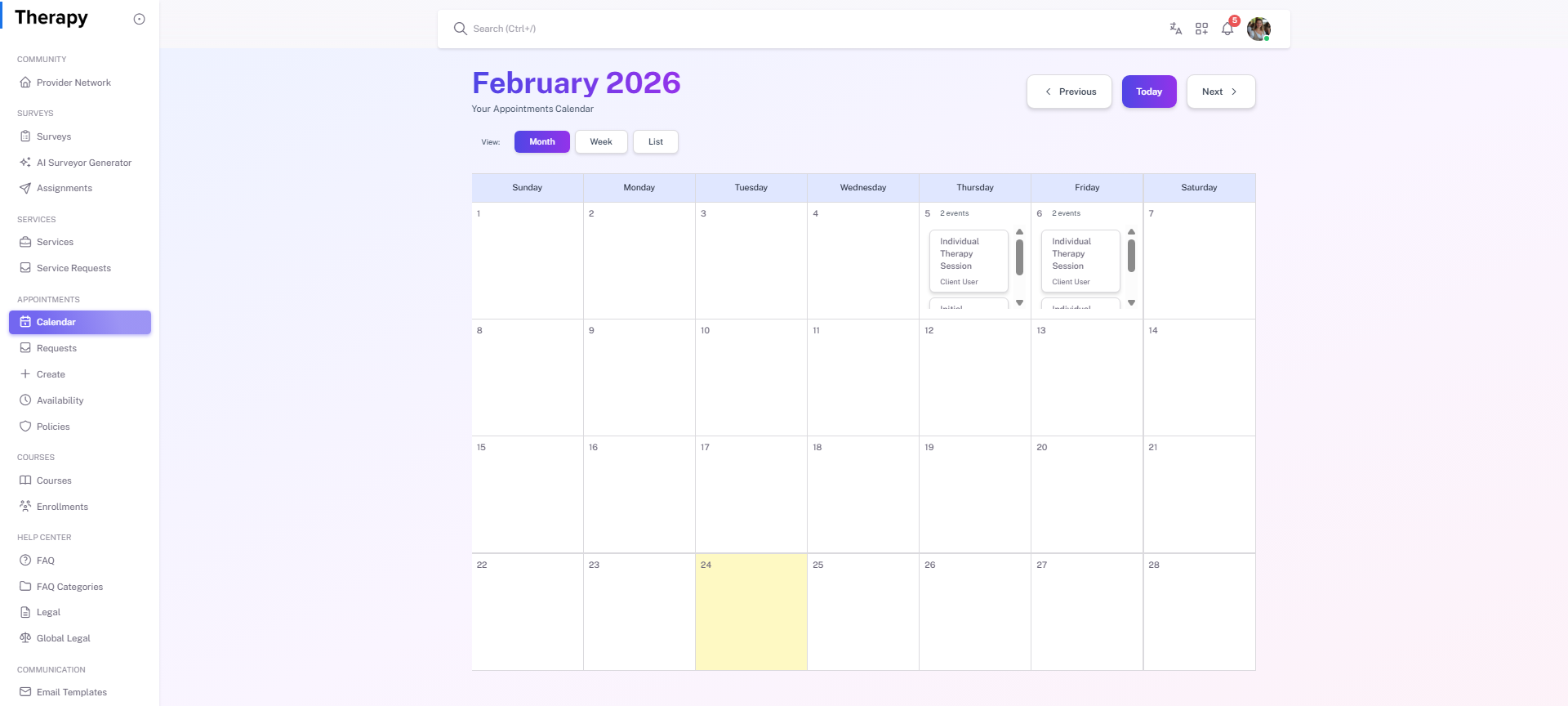
Provider • Calendar / List
Standalone submenu content with role-aligned workflow and execution checkpoints.
Overview
Calendar / List is the provider scheduling command center for upcoming, ongoing, and past appointments. Use it for day planning and conflict checks.
Workflow Execution Steps
- Open calendar/list and review today/upcoming slots.
- Open appointment details and detect conflicts early.
- Adjust/edit bookings where allowed and required.
- Confirm schedule integrity before execution starts.
Reference Screenshots