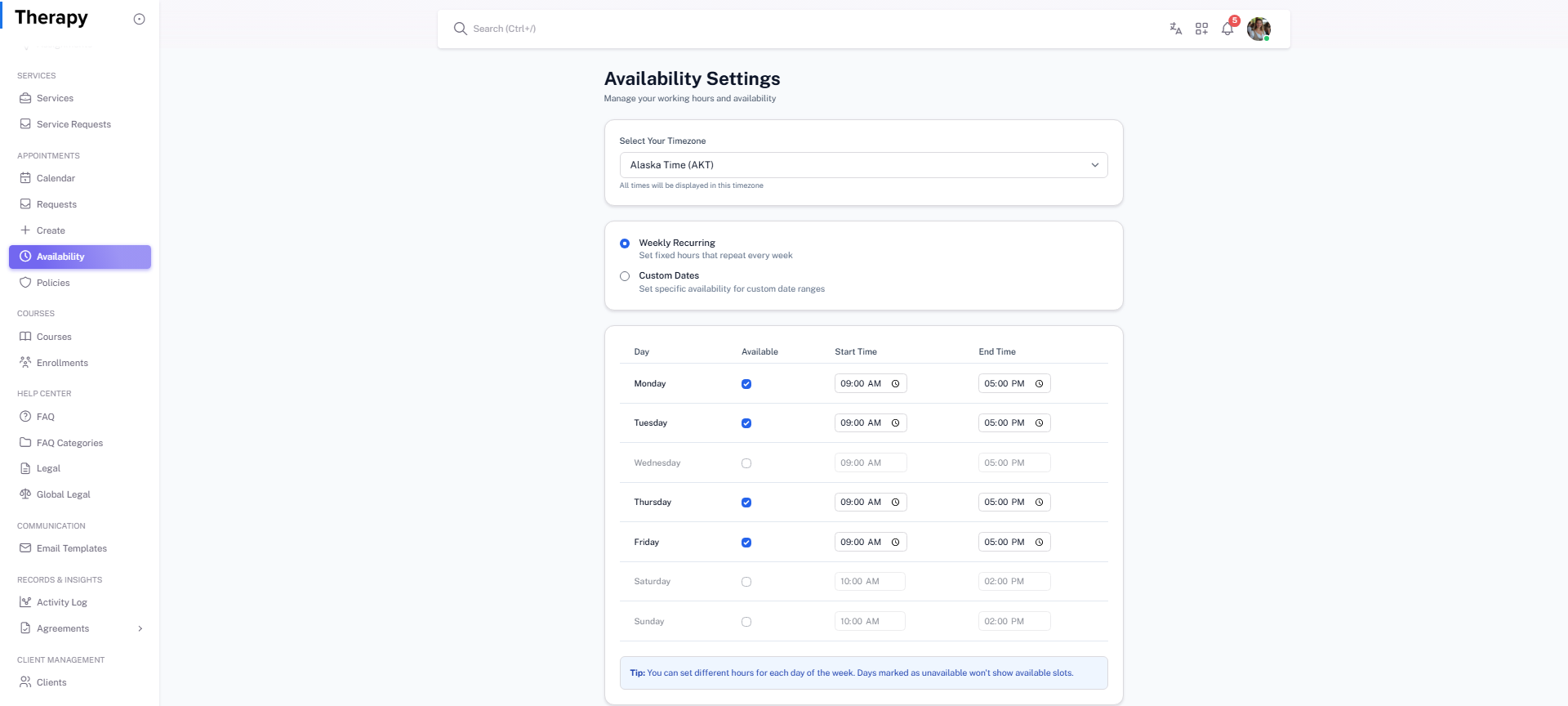
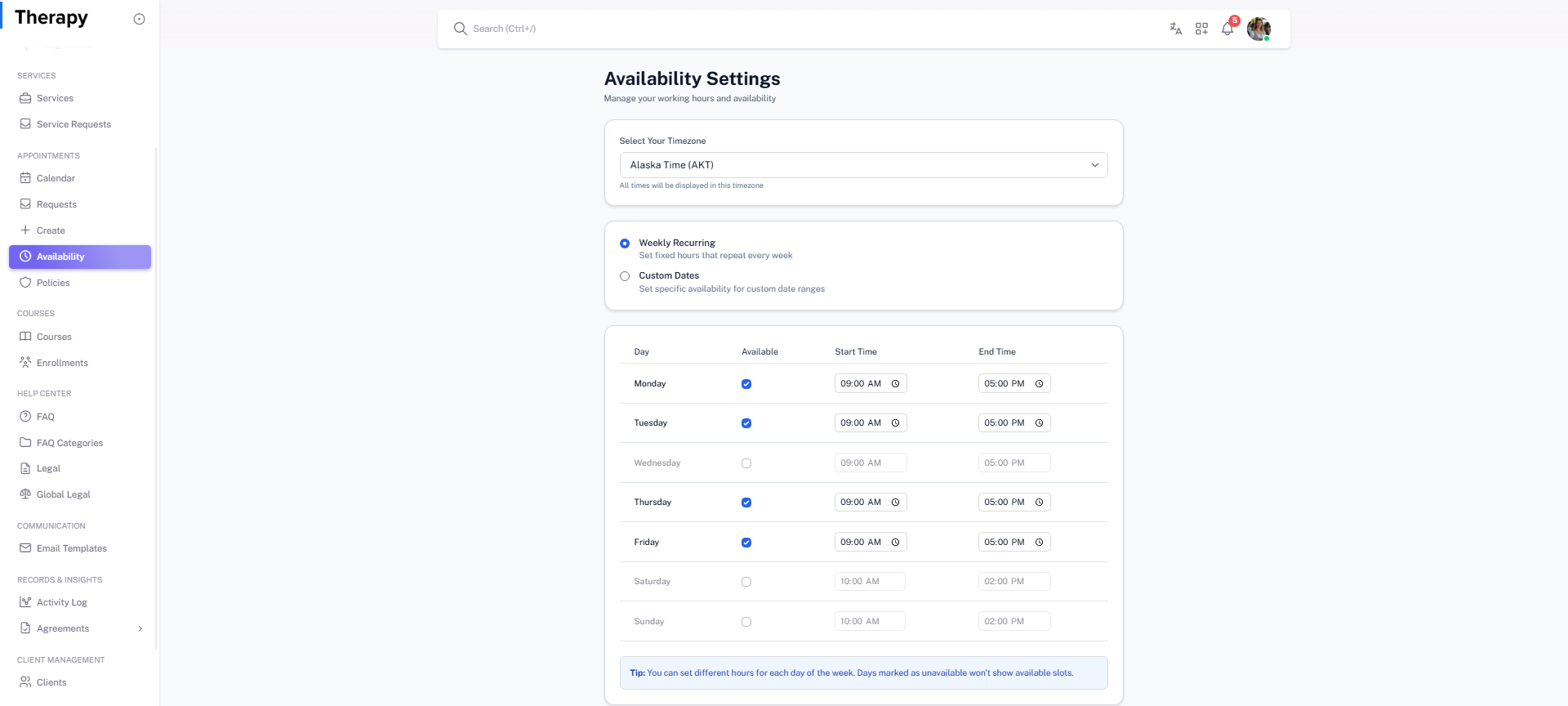
Provider • Availability Settings
Standalone submenu content with role-aligned workflow and execution checkpoints.
Overview
Availability Settings controls timezone and working-hour availability rules. Keep this updated to prevent invalid booking windows.
Workflow Execution Steps
- Open availability settings and confirm timezone.
- Adjust weekly working hours and breaks.
- Save updated availability policy.
- Validate booking windows in calendar and requests queue.
Reference Screenshots