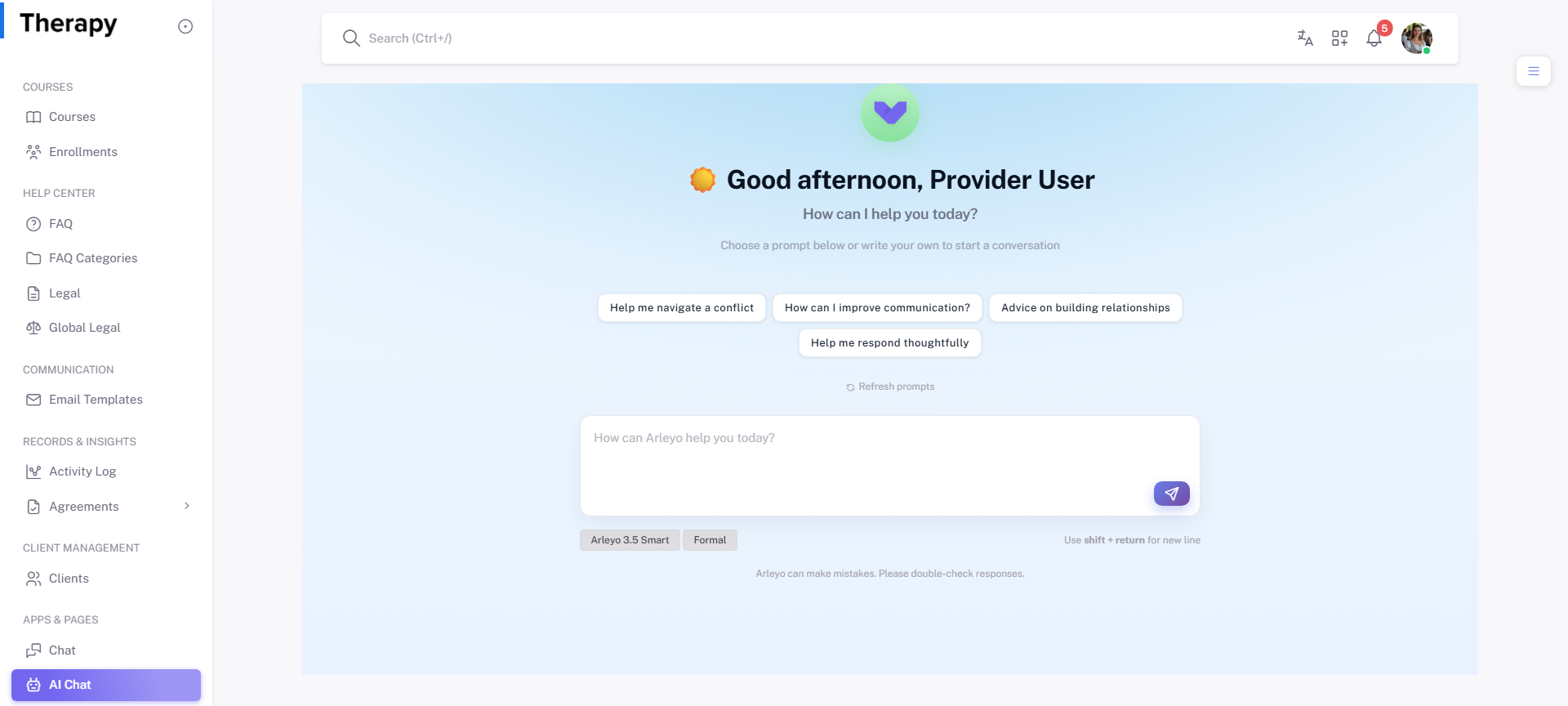
Provider • AI Assistant
Standalone submenu content with role-aligned workflow and execution checkpoints.
Overview
AI Assistant supports drafting, summarization, and decision support inside provider workflows. Use it to reduce turnaround time before manual escalation.
Workflow Execution Steps
- Open AI Assistant and provide context/task.
- Apply generated guidance to target workflow.
- Execute action in source module.
- Confirm visible result and status progression.
Reference Screenshots