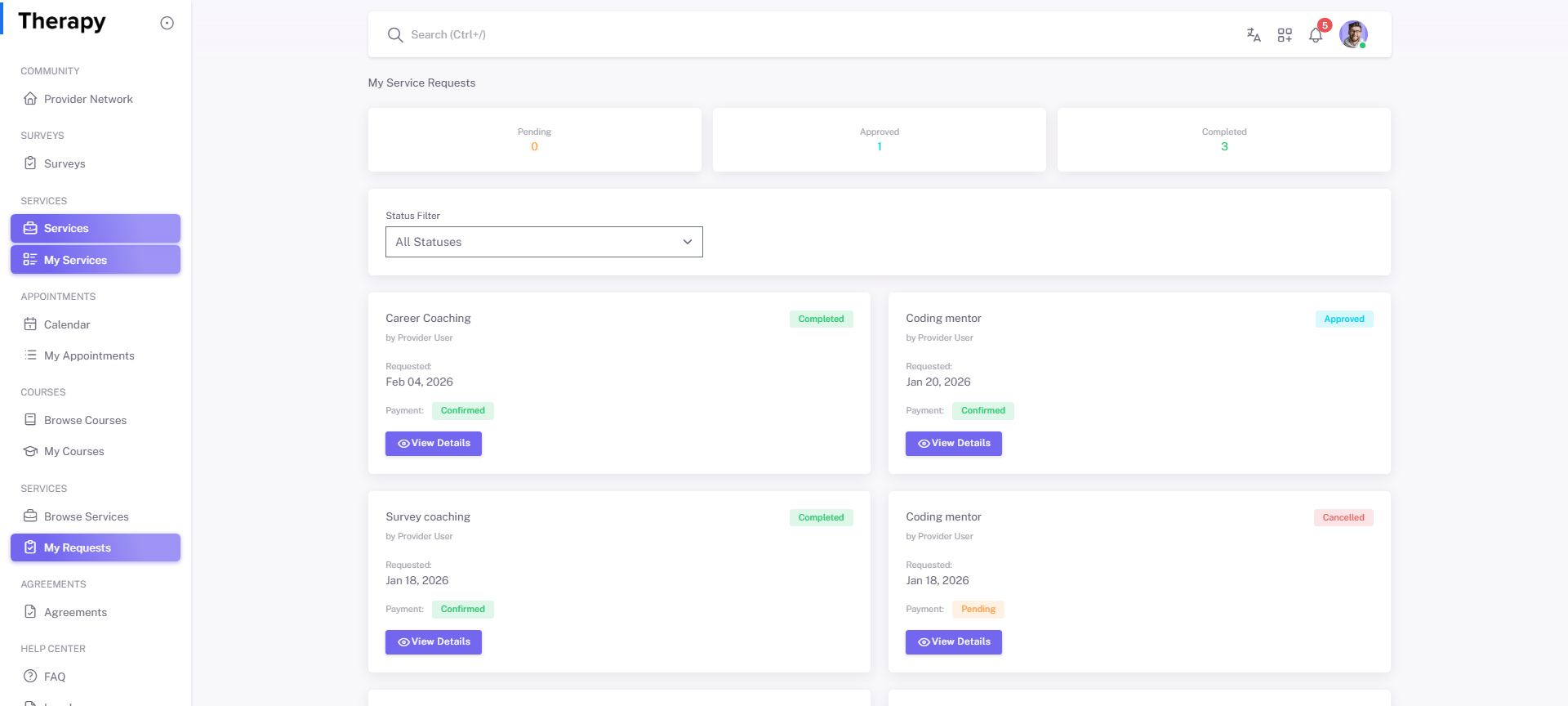
Client • My Requests
Standalone submenu content with role-aligned workflow and execution checkpoints.
Overview
My Requests tracks submitted provider-service requests and lifecycle decisions. This is the control point for request follow-through and payment/status actions.
Workflow Execution Steps
- Open My Requests and review pending/approved/rejected items.
- Open request detail for current action item.
- Complete required step including payment where applicable.
- Confirm progression and linked record evidence is visible.
Reference Screenshots