Client • My Courses
Standalone submenu content with role-aligned workflow and execution checkpoints.
Overview
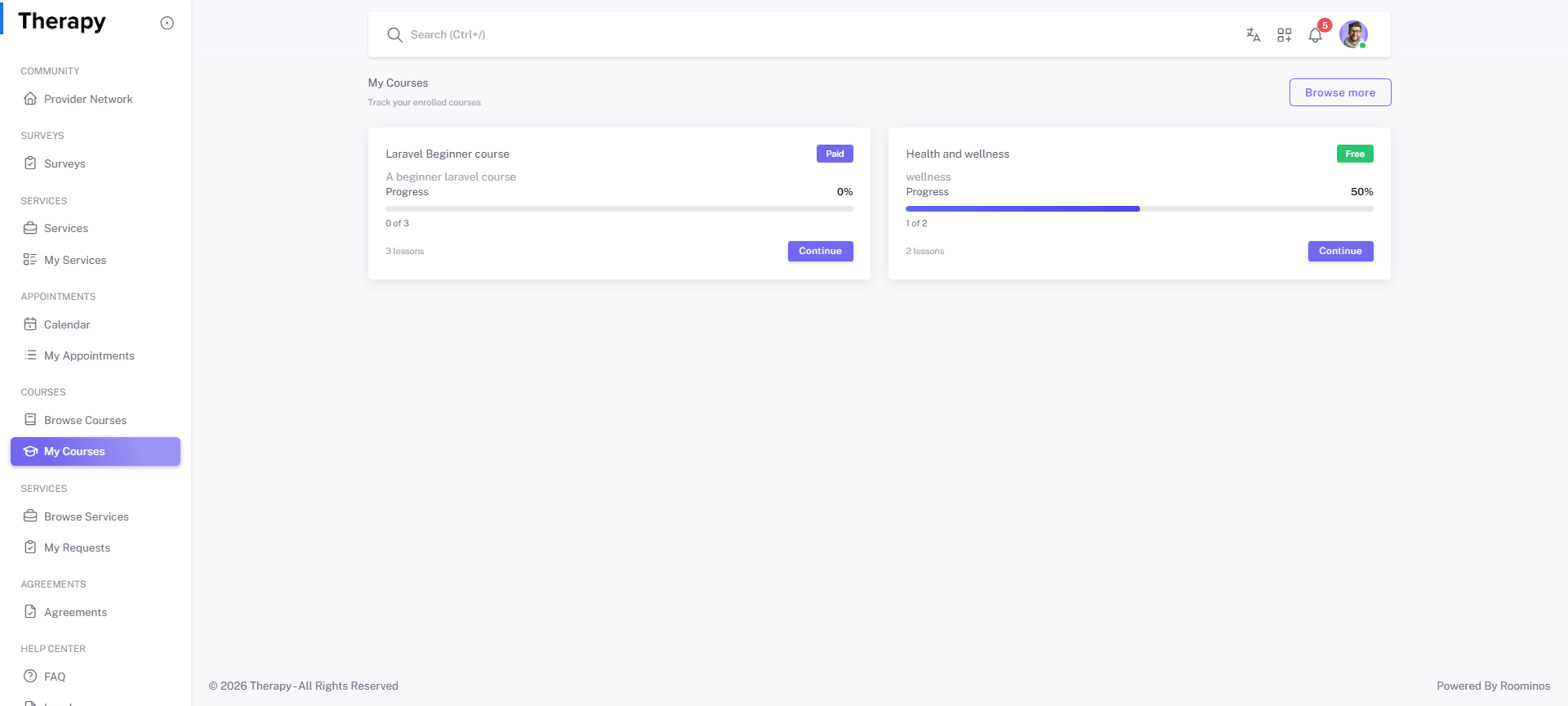
My Courses is the active learning workspace for enrolled content and progress continuation. Client should revisit this page to maintain completion momentum.
Workflow Execution Steps
- Open My Courses and select enrolled course.
- Continue current module/lesson step.
- Complete required lesson actions.
- Verify progression Enrolled -> In Progress -> Completed.
Reference Screenshots