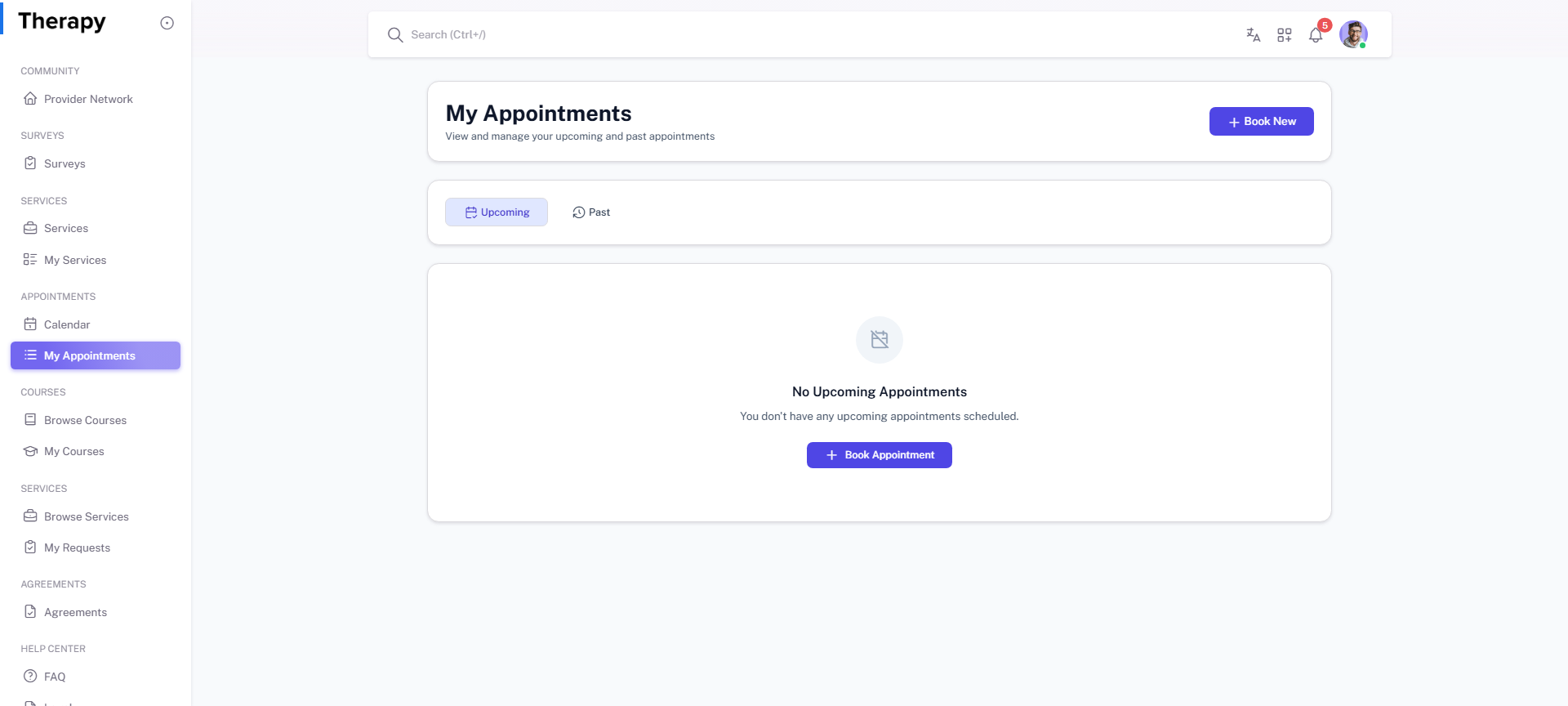
Client • My Appointments
Standalone submenu content with role-aligned workflow and execution checkpoints.
Overview
My Appointments is the appointment lifecycle page for current and historical bookings. Client should use it to track upcoming sessions and apply corrections when needed.
Workflow Execution Steps
- Open My Appointments and review upcoming entries.
- Open booking details for target line.
- Edit/reschedule/cancel when allowed.
- Confirm appointment state Planned -> Scheduled -> Updated/Rescheduled -> Completed/Cancelled.
Reference Screenshots