Client • Home
Standalone submenu content with role-aligned workflow and execution checkpoints.
Overview
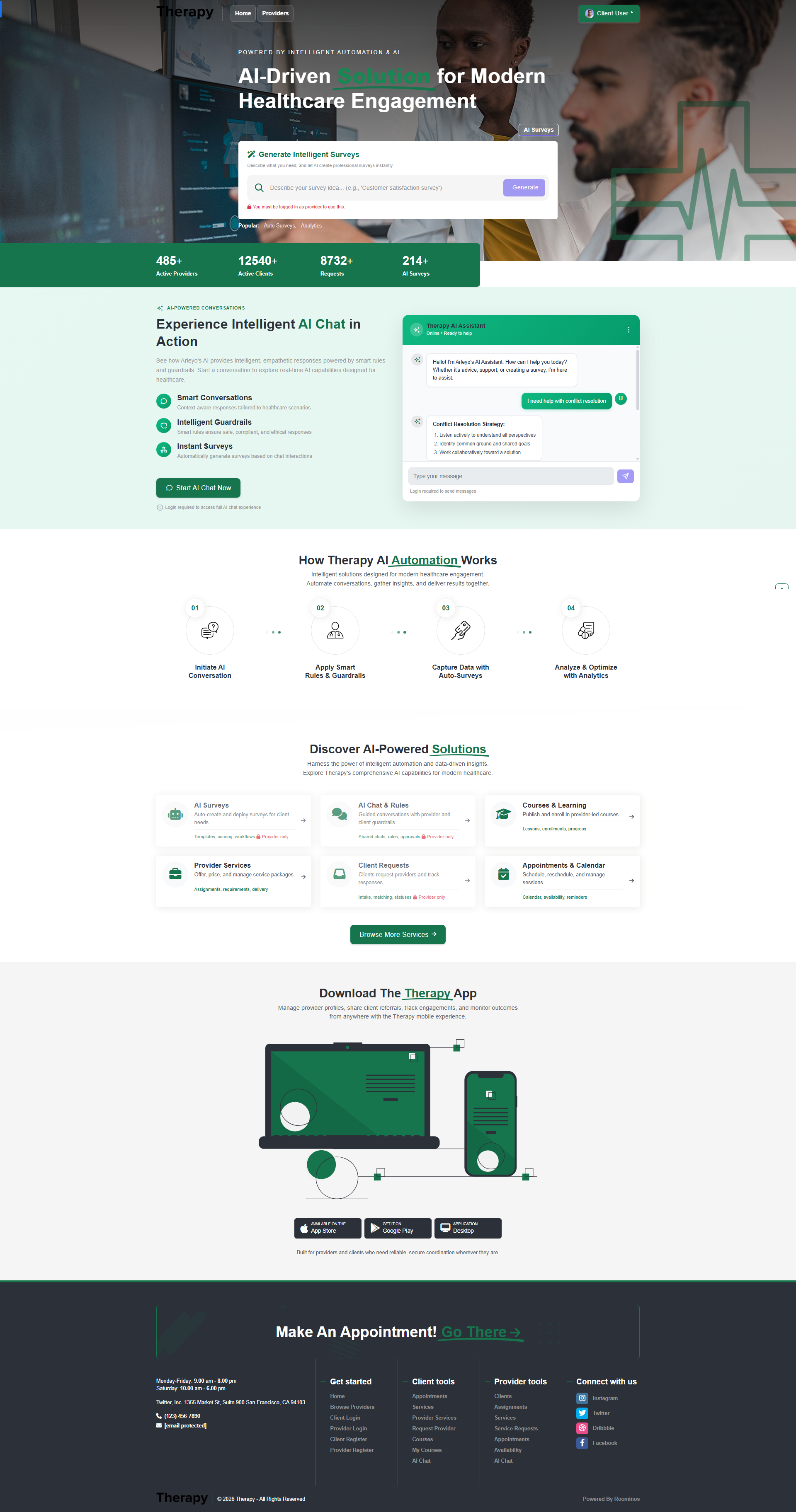
Home is the client role introduction point and navigation hub. Client is the demand and engagement role responsible for requesting support, booking appointments, completing assigned surveys, managing service requests, and progressing through learning content. Use this page as a launch panel into operational modules, not as a final execution page.
Workflow Execution Steps
- Start with My Surveys and complete pending/overdue assignments first.
- Open My Services and My Requests to resolve approvals, rejections, or pending actions.
- Review Calendar and My Appointments for today’s schedule and follow-ups.
- Check My Agreements/Legal for blocking compliance items, continue My Courses, then close unresolved items in Chat/AI Assistant.
Reference Screenshots