Client • Chat
Standalone submenu content with role-aligned workflow and execution checkpoints.
Overview
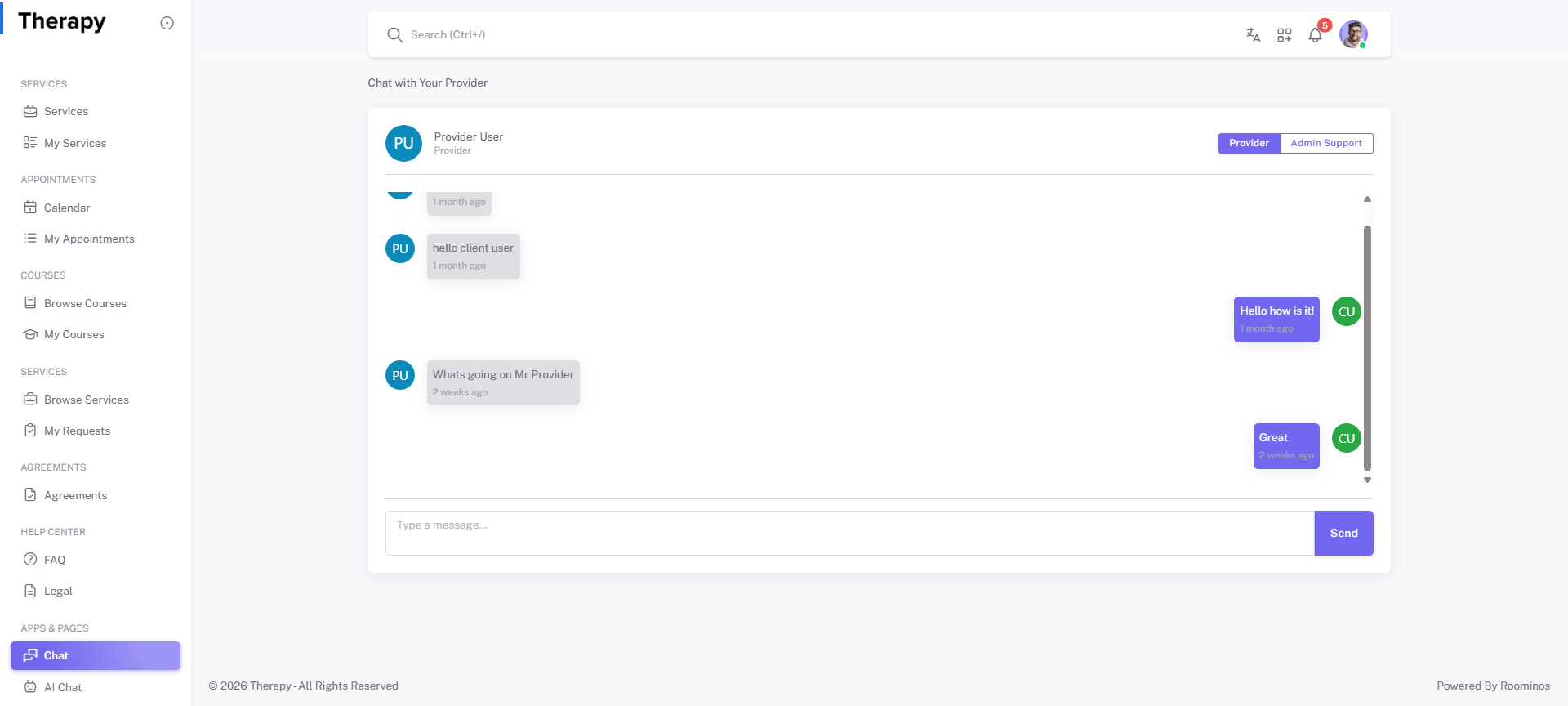
Chat is the direct communication channel with providers for clarifications, follow-ups, and coordination. This should be used for time-sensitive operational issues and clear handoff context.
Workflow Execution Steps
- Open Chat and choose target conversation.
- Send action-focused message with context and expected outcome.
- Track replies/unread until response is received.
- Confirm issue closure by visible status change in source module.
Reference Screenshots