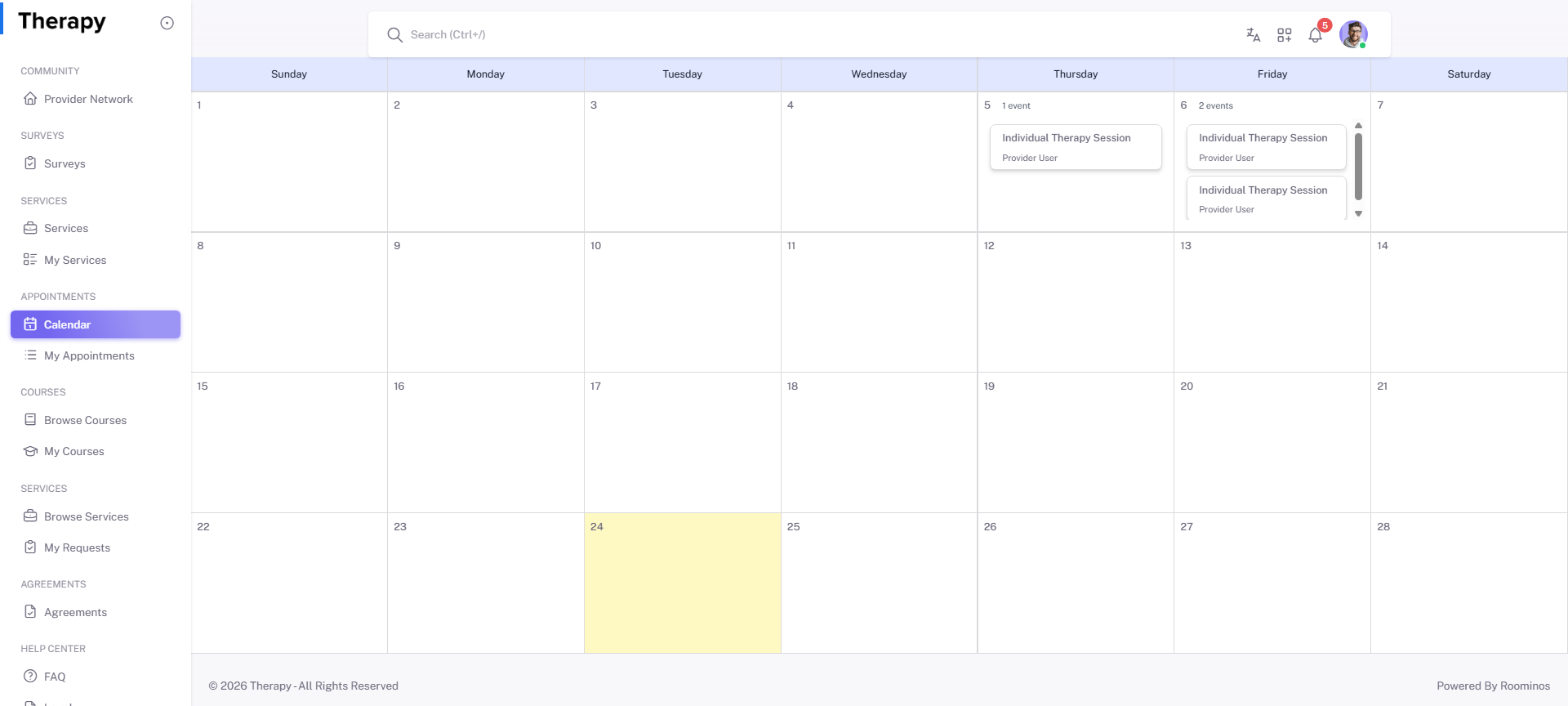
Client • Calendar
Standalone submenu content with role-aligned workflow and execution checkpoints.
Overview
Calendar provides appointment scheduling visibility and booking actions. Use this page to create new appointments and verify availability windows.
Workflow Execution Steps
- Open calendar and select date/time context.
- Start appointment creation with provider and service selection.
- Confirm schedule saved and reflected in lifecycle pages.
- Keep timeline aligned with active requests and follow-ups.
Reference Screenshots