Client • Browse Services
Standalone submenu content with role-aligned workflow and execution checkpoints.
Overview
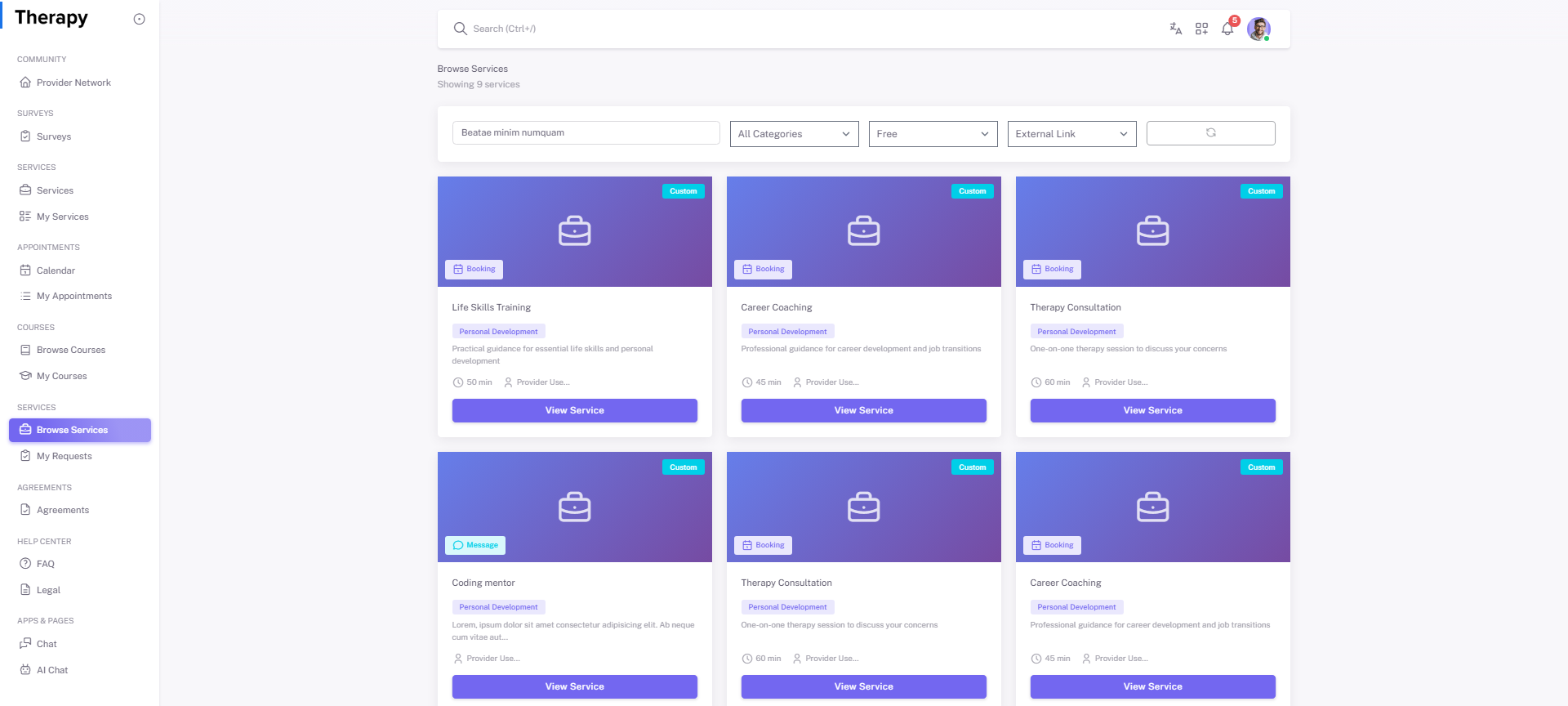
Browse Services is the provider-service discovery path with deeper provider-context visibility. Use this path when selecting services based on provider profile and offering details.
Workflow Execution Steps
- Open Browse Services and inspect provider offerings.
- Open service detail and validate provider context.
- Submit provider-service request with supporting details.
- Confirm request appears in My Requests for follow-through.
Reference Screenshots