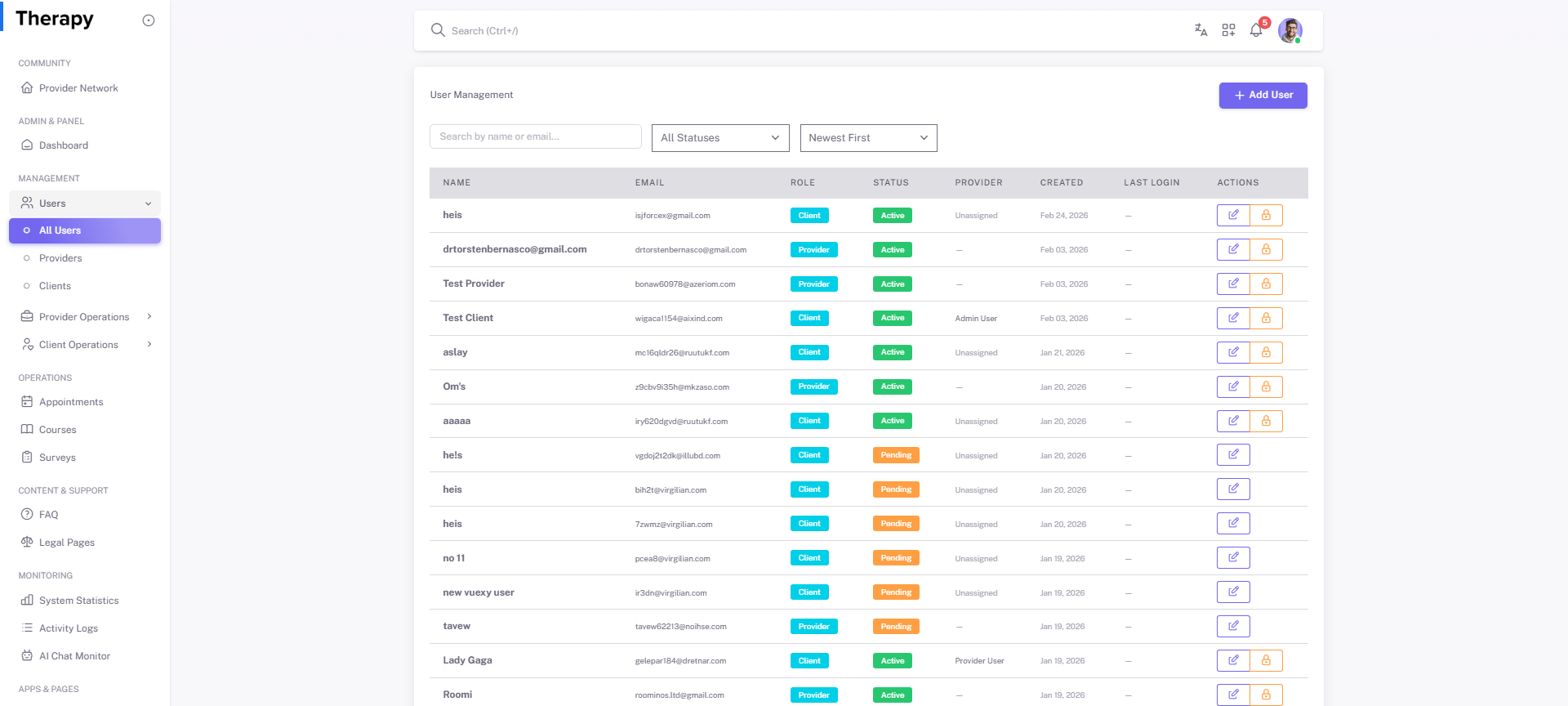
Admin • Users / All Users
Standalone submenu content with role-aligned workflow and execution checkpoints.
Overview
Users / All Users is the master account directory for search, profile checks, role verification, and account state actions.
Workflow Execution Steps
- Find target account using role/status filters.
- Validate profile and permission mapping.
- Apply update, activation/deactivation, or support action with trace.
Reference Screenshots