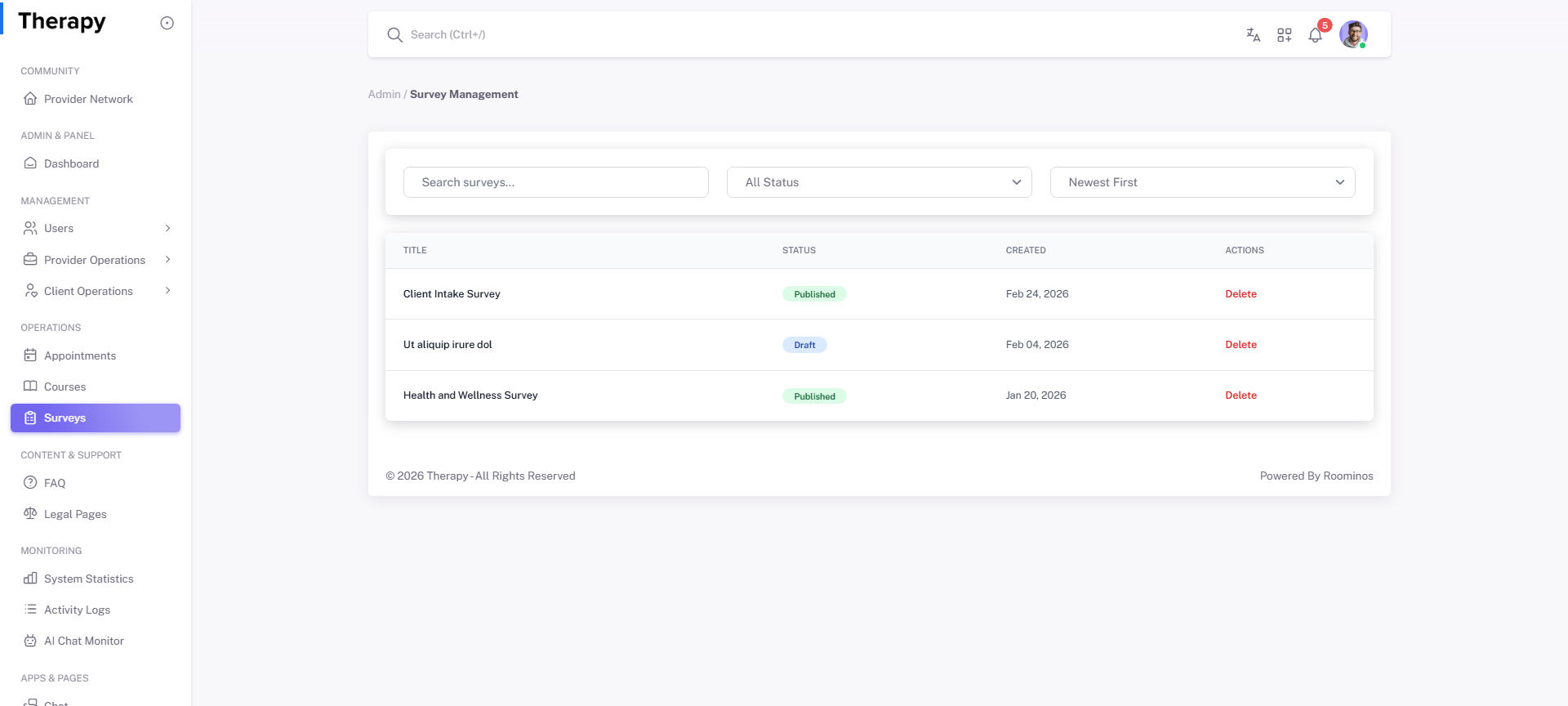
Admin • Surveys
Standalone submenu content with role-aligned workflow and execution checkpoints.
Overview
Surveys supports creation, targeting, and response analysis for quality and satisfaction monitoring.
Workflow Execution Steps
- Create or update survey forms and audience scope.
- Distribute and monitor completion quality.
- Translate findings into operational improvements.
Reference Screenshots